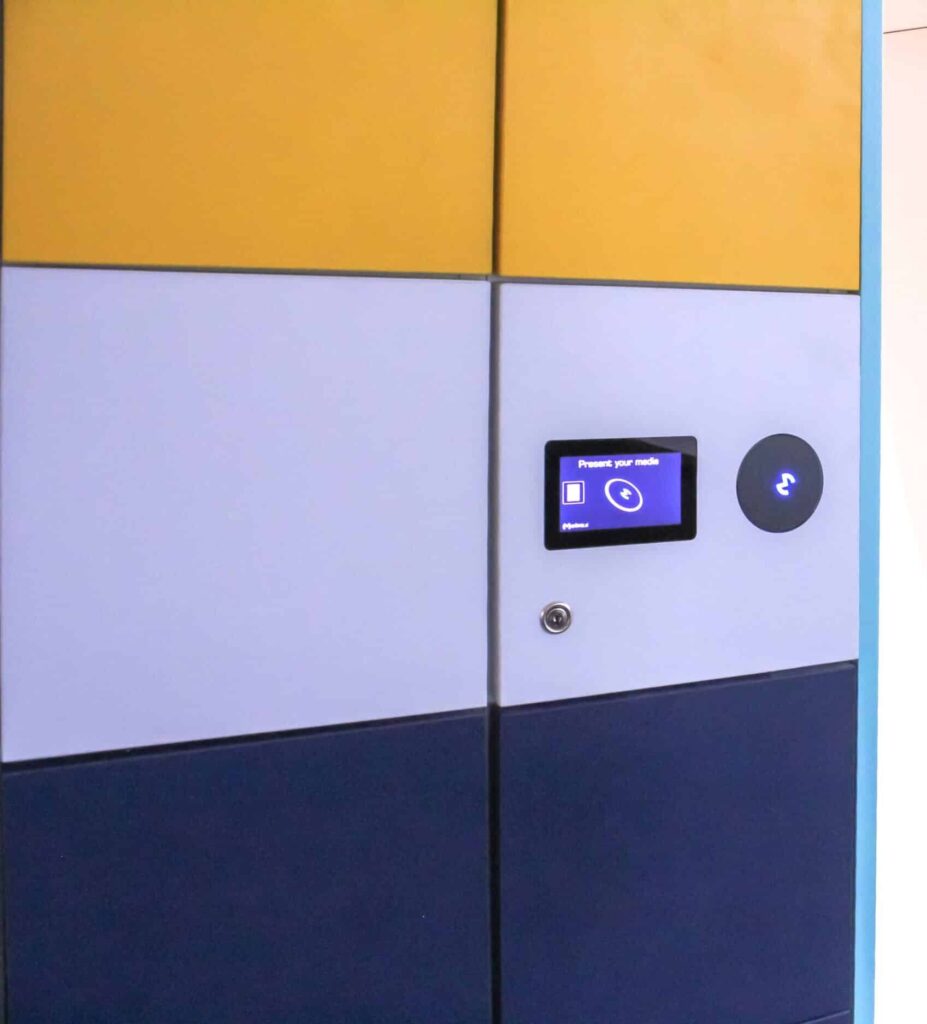
10” or 4” Display uses RFID Media and/or 4-Digit PIN Code to open self-assigned or system auto-assigned lockers
mini touch display
The mini (4″) touchscreen visual interface allows users to choose an upper or lower locker or a small, medium, or large locker based on their unique locker configuration. This user experience paired with the reader to use their RFID media, mobile credential, or smart app with a basic ISO reader or HID™ reader provides premium flexibility.
large touch display
The 10″ touchscreen offers the greatest amount of flexibility and customization. Present your RFID media or 4-digit PIN, depending on your system configuration, and either self-assign a specific locker or system will auto-assign a locker for temporary use. Or the system can be configured for permanent-use and when the RFID media is presented or 4-digit PIN your assigned locker will open.
The mini (4″) touchscreen visual interface allows users to choose an upper or lower locker or a small or large locker based on their unique locker configuration. This user experience paired with the reader to use their RFID media, mobile credential, or smart app with a basic ISO reader or HID™ reader provides premium flexibility.
details
Designed for your unique needs
location
Located in the center or on the side(s) of the locker bank. Depending on how many lockers are in a bank, for the best user experience, two Metra touch displays to access the lockers may eliminate bottleneck effects. This all depends upon the workflow of peak demand for employees coming in and out in a staggered manner, or all at consistent and predictable times.
use
Metra Mini Touch Display can be configured in multiple ways when presenting your RFID media and/or 4-digit PIN:
Self-assign a specific locker for temporary use choosing the size of locker (if available) and/or the physical location (high or low) from the touchscreen display
System auto-assigns a locker for temporary use
Pre-assigned to a specific locker for permanent-use
The system can be configured for additional security to have the user put in their unique 4-digit PIN after presenting their RFID media.
configuration
The Metra Touch Display comes with an external reader. Metra Readers range from ISO Readers to Metra Readers with Genuine HID Technology™. Our readers read 99.9% of the RFID media available in the market, such as LF, ISO 15693, ISO 14443A, and 14443B. For example, brands, like HID iClass™, Seos™, Mifare™, DESfire, LEGIC, Sony FeliCa, CEPAS, SRx, etc.
When we think of personal storage we think of putting our belongings in and taking them out. With a touchscreen big or small, we can design new and custom workflows to accommodate your specific needs.
Our touchscreen can be configured so that on one side of the lockers you deposit items. And on the other side of the lockers, you are able to retrieve your belongings from that exact locker.
Pass-Thru Lockers:
Maybe you have a unique user experience you would like to explore.
The 10″ touchscreen offers the greatest amount of flexibility and customization. Present your RFID media or 4-digit PIN, depending on your system configuration, and either self-assign a specific locker or system will auto-assign a locker for temporary use. Or the system can be configured for permanent-use and when the RFID media is presented or 4-digit PIN your assigned locker will open.
details
Designed for your unique needs
location
Located in the center or on the side(s) of the locker bank. Depending on how many lockers are in a bank, for the best user experience, two Metra touch displays to access the lockers may eliminate bottleneck effects. This all depends upon the workflow of peak demand for employees coming in and out in a staggered manner, or all at consistent and predictable times.
use
Metra Touch Display can be configured in multiple ways when presenting your RFID media and/or 4-digit PIN:
Self-assign a specific locker for temporary use by typing in the locker number or choosing the locker opening on the diagram of the locker bank (custom).
System auto-assigns a locker for temporary use
Pre-assigned to a specific locker for permanent-use
For additional security, the system can be configured to have the user put in their unique 4-digit PIN after presenting their RFID media.
configuration
The Metra Touch Display comes with an external reader. Metra Readers range from ISO Readers to Metra Readers with Genuine HID Technology™. Our readers read 99.9% of the RFID media available in the market, such as LF, ISO 15693, ISO 14443A, and 14443B. For example, brands, like HID iClass™, Seos™, Mifare™, DESfire, LEGIC, Sony FeliCa, CEPAS, SRx, etc.
Can be assigned to as many lockers as convenient.
custom configuration
The touch displays have a lot of flexibility to be configured to your unique needs and use cases. For example, this custom configuration allows you to customize the screen of your touch display. Leverage this function to promote your company brand, school colors and mascot or whatever else is important to you. And use it as a wayfinding feature — making it even easier for people to choose their locker.
sports & leisure
Metra Display is perfect for sports facilities where visitors need a temporary-use locker and no RFID media is present.
There are numerous applications across the campus that could have a variety of needs and uses for lockers and locks. Check out our University page to learn more.
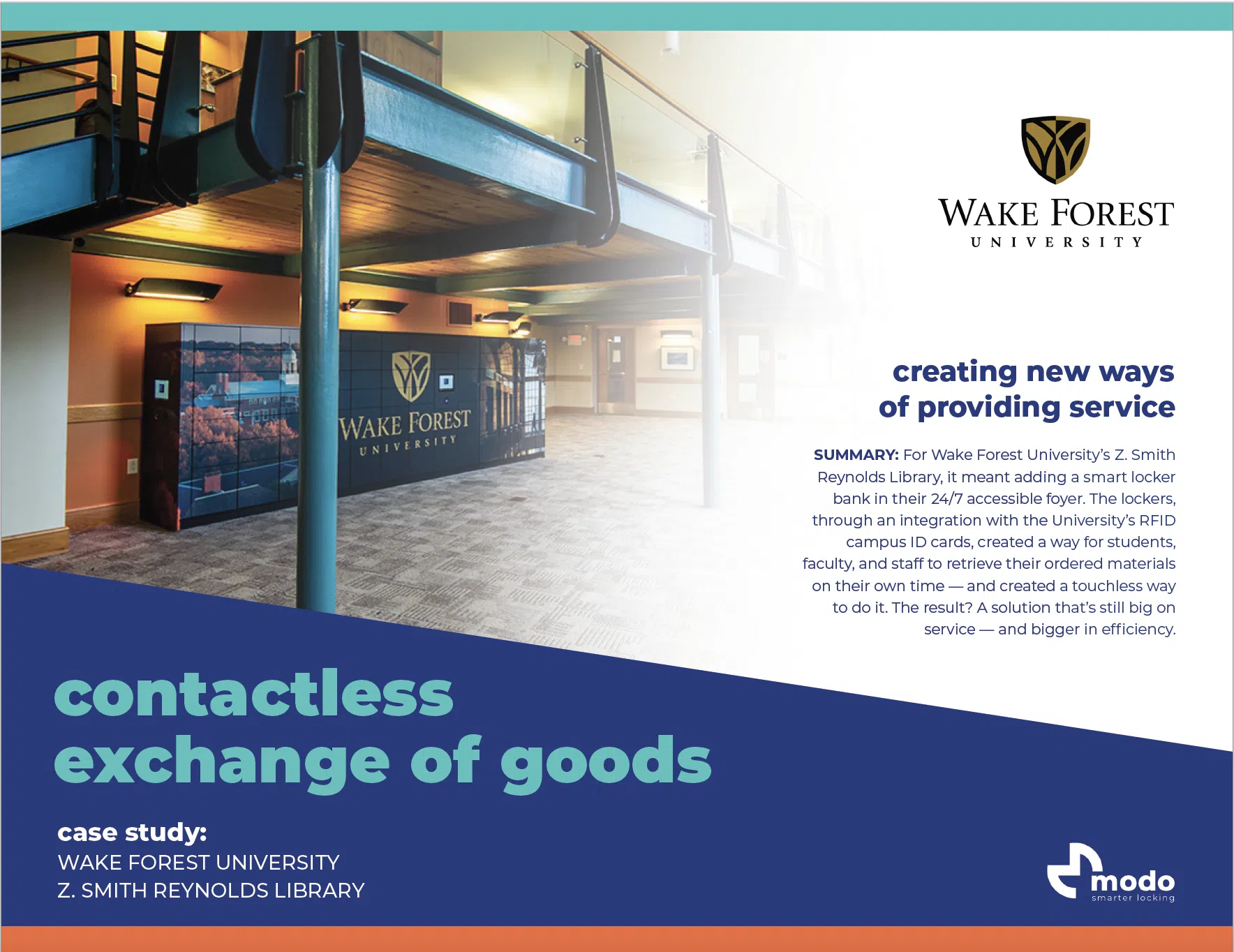
The 10” touch display is also a great solution to handle the exchange of goods for all different types of applications. IT equipment or break/fix, confidential information, university library borrowed materials, food delivery, and more.
Configure your locker bank to do both, exchange of goods and personal storage. The flexibility of our touch display and smart locks, we are able to configure your locker bank for today and modify how your users use it in the future.
Sometimes you don’t need the bells and whistles of a touch display or maybe it only makes sense to use the touch screen in a few places in your facility. No problem, you can mix and match and use RFID Readers in a different area of your facility or the locker bank down the hall.
Jump over to see all of the RFID Reader’s capabilities and ease of use.
Interested in learning more about the various ways to apply a smarter locking system to your locker applications? Contact us and we will get in touch with you to learn more about your unique needs.
download
Thank you for your interest in learning more about our Touch Display user experience. Please provide your email address and you’ll get your download in no time!
download
Thank you for your interest in learning more about metramodo and metra locks. Please provide your email address and we will deliver your pdf in a jiffy.
download
Thank you for your interest in learning more about metramodo and metra locks. Please provide your email address and we will deliver your pdf in a jiffy.
download
Thank you for your interest in learning more about metramodo and metra locks. Please provide your email address and we will deliver your pdf in a jiffy.