The first smart locker provider to support credentials in Apple Wallet
If you are using an HID mobile credential, your Metramodo smart lockers have Metra with Genuine HID Technology™ readers which includes Apple’s Enhanced Contactless Polling (ECP) application. As the only smart lock provider to offer this application, we are able to support credentials in Apple Wallet.
When an employee/student has a mobile credential whether they are using the mobile credential in the Apple Wallet, an integrated PropTech partner app such Sharry or SwiftConnect to provide centralized and unified access to employees for all assets and amenities, or the HID™ Mobile Access App, simply presenting the smart phone near the reader and the locker door will pop open.
use
The mobile credential can be configured for a temporary-use or short-term with a system auto-assign based on the available lockers or administratively-assigned for more permanent or temporary use. The locker can be locked and unlocked with the smartphone, Mobile Credential.
configuration
The smartphone can connect to a door reader using Bluetooth, NFC, or even WiFi. Bluetooth (BLE) is the most common type of communication used.
Can be assigned to as many lockers as convenient.
mobile credential applications
Upgrading to a smart or mobile solution that’s encrypted is the best defense against stolen information. Employees and students are far less likely to lose or loan someone their phone versus their corporate or campus ID card.
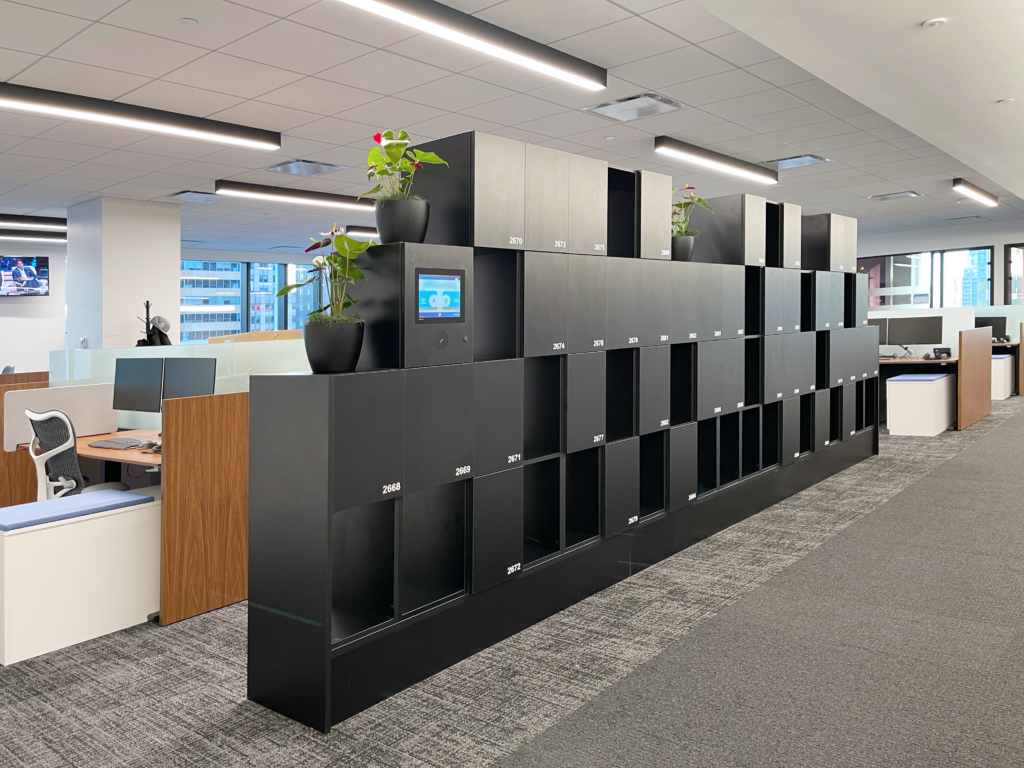
Check out our MiniTouch Display user experience. For ultimate functionality by visually choosing the exact locker for the day — empower users to choose the exact locker they need for the day.
As companies look to upgrade their office and offer easy ways for employees to transition to a hybrid work model, many look to smart building apps. Make it easy for employees to adapt to unassigned desking and let them have the freedom to choose where they work and store their belongings ahead of time. Seamlessly transform your office into a flexible working environment while empowering employees through an intuitive app.
details
Designed for your unique needs
location
When an employee has an app they use to reserve their desking for the day, parking spot, printing, meeting reservation and more — opening an assigned or unassigned locker continues to create that streamlined experience from just one point of contact.
use
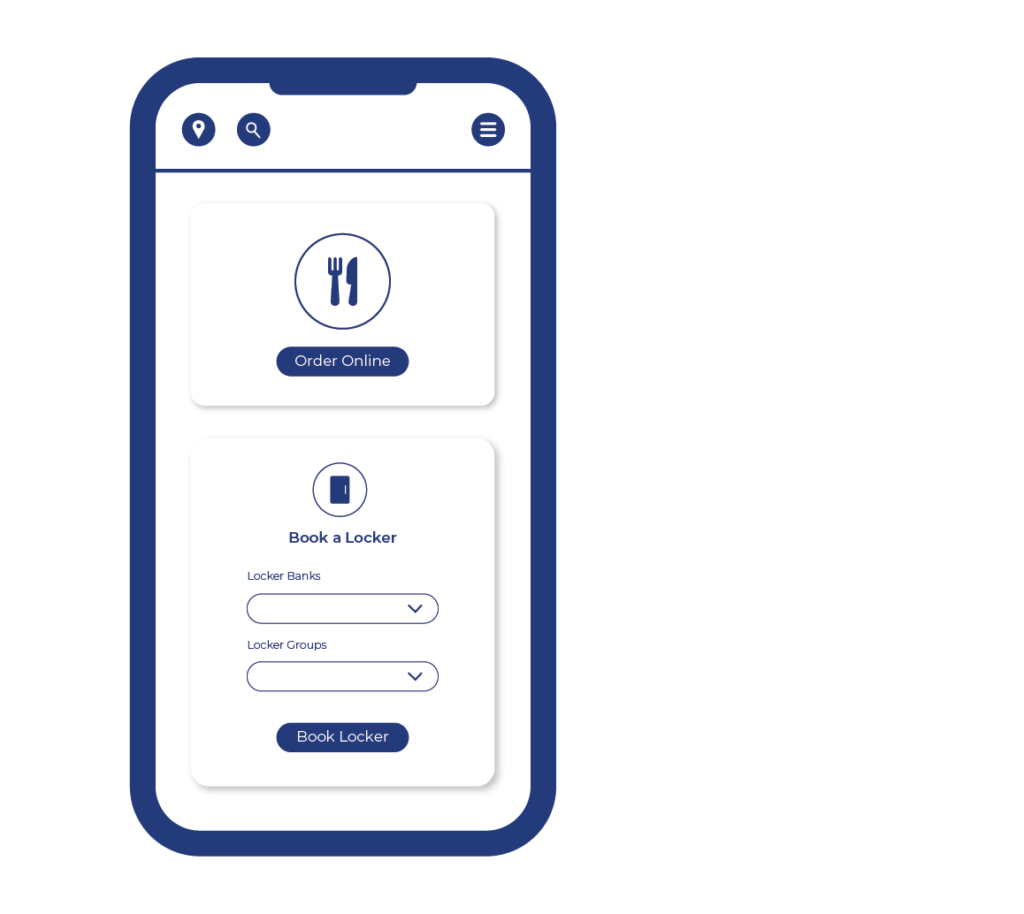
With a workplace app integration, either open your assigned locker right from the app or select your temporary assigned locker by choosing the desired location (floor and/or locker group) and book the locker.
configuration
The organizations can limit or open the usage of the app and functionality as desired. The app leverages wifi connection.
MyMetraKey App
Use the MyMetraKey WiFi App on the user’s smartphone device to reserve a locker, access your locker and extend the use of your locker right on your phone – from anywhere in the building.
details
Designed for your unique needs
location
The MyMetraKey (MMK) app gives you the ability to reserve/book, use and manage your locker via your smartphone.
use
Depending on your organization’s configuration and locker user experience your MMK app can be your sole locker key to access your locker or the backup to your company badge (RFID card or fob). It can also pre-reserve/book the locker in an unassigned setting before you get to the lockers.
Designate if you want your locker cleaned. Or open the locker for a colleague if they need to be granted access. The MMK app gives you total management of your locker right from your smartphone.
configuration
Typically organizations limit the usage of the app to be once the user in the building, but the app can be used remotely as well. The app leverages wifi connection.
Can be assigned to as many lockers as convenient.
smart app lockers
Use your WIFI App to reserve a locker, access your locker and extend your reservation. Use your own personal device to reserve a locker. Use your smartphone to pop open your locker— creating a truly user-friendly experience.
Let’s talk about RFID Readers. Mix and match types of RFID Readers in various areas of your facility or the locker bank down the hall. When you still want variety, but like to keep things simple — RFID Readers are the perfect solution.
Jump over to see all of the RFID Reader’s capabilities and ease of use.
In a busy, multi-story building, finding a locker that is available and conveniently located can be an overwhelming and inconvenient task for any employee. In addition to that, businesses are looking for ways to attract and retain their employees. The goal is to make coming into the office as productive and collaborative as possible. If reserving a locker for the day is a hassle — it is a missed opportunity.
university
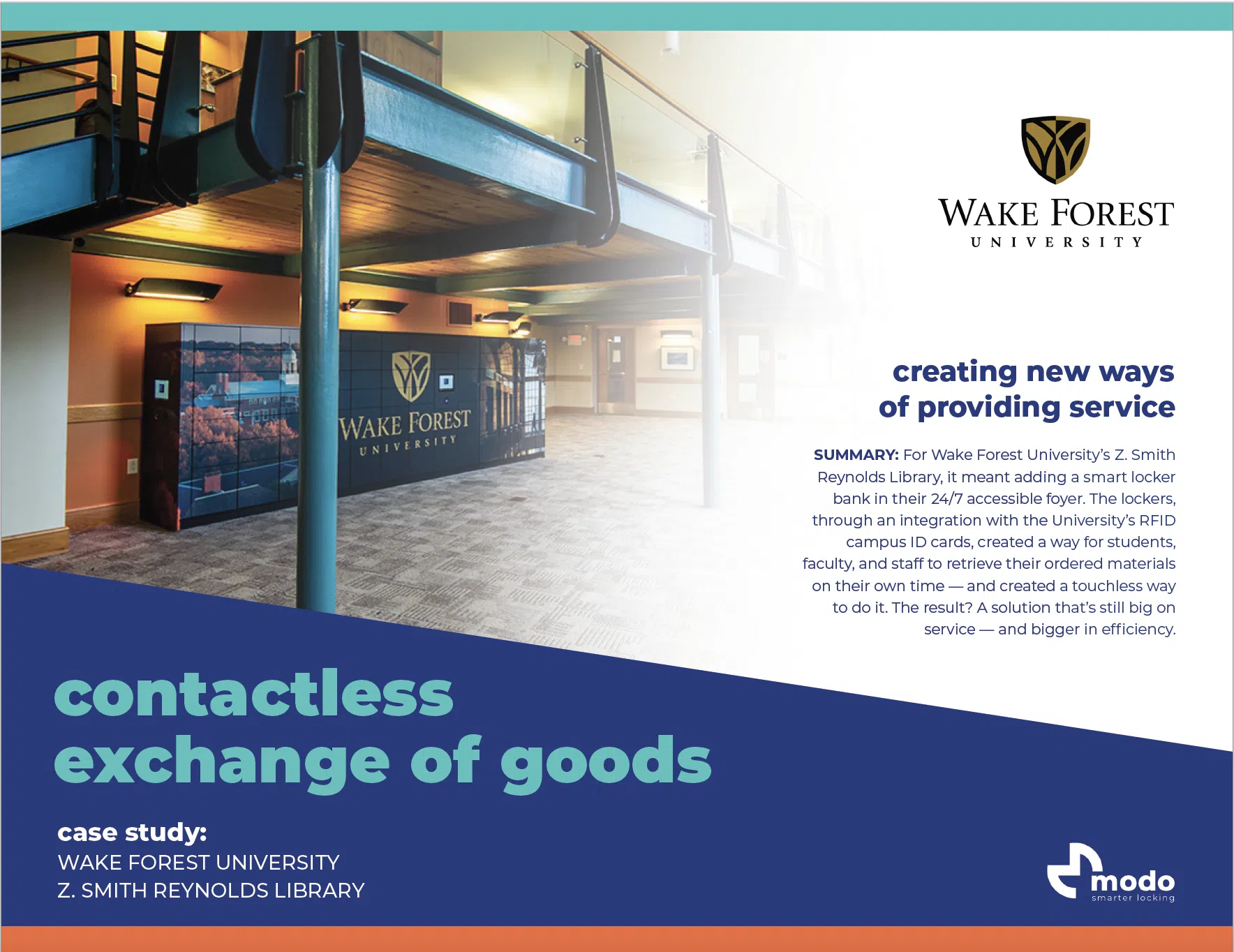
Providing the amenity of lockers to students, visitors, and faculty opens up the doors to use lockers across campus in a convenient and streamlined way whenever someone needs one with just a few taps of their phone — without having to supply their own locks, fill out a sign-up sheet, drop off a payment, or stand in a line.
Interested in learning more about the various ways to apply a smarter locking system to your locker applications? Contact us and we will get in touch with you to learn more about your unique needs.
download
Thank you for your interest in learning more about our Mobile Access user experience. Please provide your email address and you’ll get your download in no time!
download
Thank you for your interest in learning more about metramodo and metra locks. Please provide your email address and we will deliver your pdf in a jiffy.
download
Thank you for your interest in learning more about metramodo and metra locks. Please provide your email address and we will deliver your pdf in a jiffy.
download
Thank you for your interest in learning more about metramodo and metra locks. Please provide your email address and we will deliver your pdf in a jiffy.