unlock your locker with your iPhone + Apple Watch


your iPhone and Apple Watch are now your employee badge
A mobile credential serves as an authorization token, similar to a corporate or campus ID card or fob, but conveniently stored in your smartphone instead of a physical card. This credential is assigned a unique identification number that functions as an electronic key, granting access to doors equipped with electric locks.
the first smart locker provider to support credentials in Apple Wallet
If you are using an HID mobile credential, your Metramodo smart lockers have Metra with Genuine HID Technology™ readers which includes Apple’s Enhanced Contactless Polling (ECP) application.
As of 2023, Metramodo was the first and only smart locker provider certified to support Apple’s Enhanced Contactless Polling (ECP) application — the protocol required for credentials stored natively in Apple Wallet to communicate with a locker reader.
What are mobile credentials for lockers?
Mobile credentials for lockers are encrypted digital keys stored on a smartphone or smartwatch that replace physical cards, fobs, or codes to open a locker. The same credential used to badge into a building or access a parking garage can unlock an assigned locker — with no separate app, card, or PIN required. The credential is stored in a secure chip on the device (the same element that protects Apple Pay) and communicates with the locker reader via NFC at 13.56 MHz or Bluetooth Low Energy (BLE) at 2.4 GHz.
Mobile credentials for lockers work with enterprise mobile ID platforms including HID Mobile Access®, Allegion Schlage, and credentials stored natively in Apple Wallet or Google Wallet.
open smart lockers with Apple Wallet
After your badge is added to Apple Wallet, using your iPhone or Apple Watch, you can unlock your door by holding it near the reader. The device does not need to be awakened or unlocked. It’s that simple.

workplace
As employers transition to mobile credentials, significant efficiencies are gained when replacing plastic cards or FOBs. Mobile credentials in the form of phone-based IDs result in decreased instances of employee badge loss or forgetting them at home, as evidenced through research.
Whether the mobile credential is in the Apple Wallet, with one of our partner integrations (Sharry or SwiftConnect) in the Apple Wallet or, HID Mobile Access® app our mobile credential reader is embedded, as opposed to a standalone adapted reader. This results in a cleaner and more professional appearance that seamlessly integrates into the overall system.
university
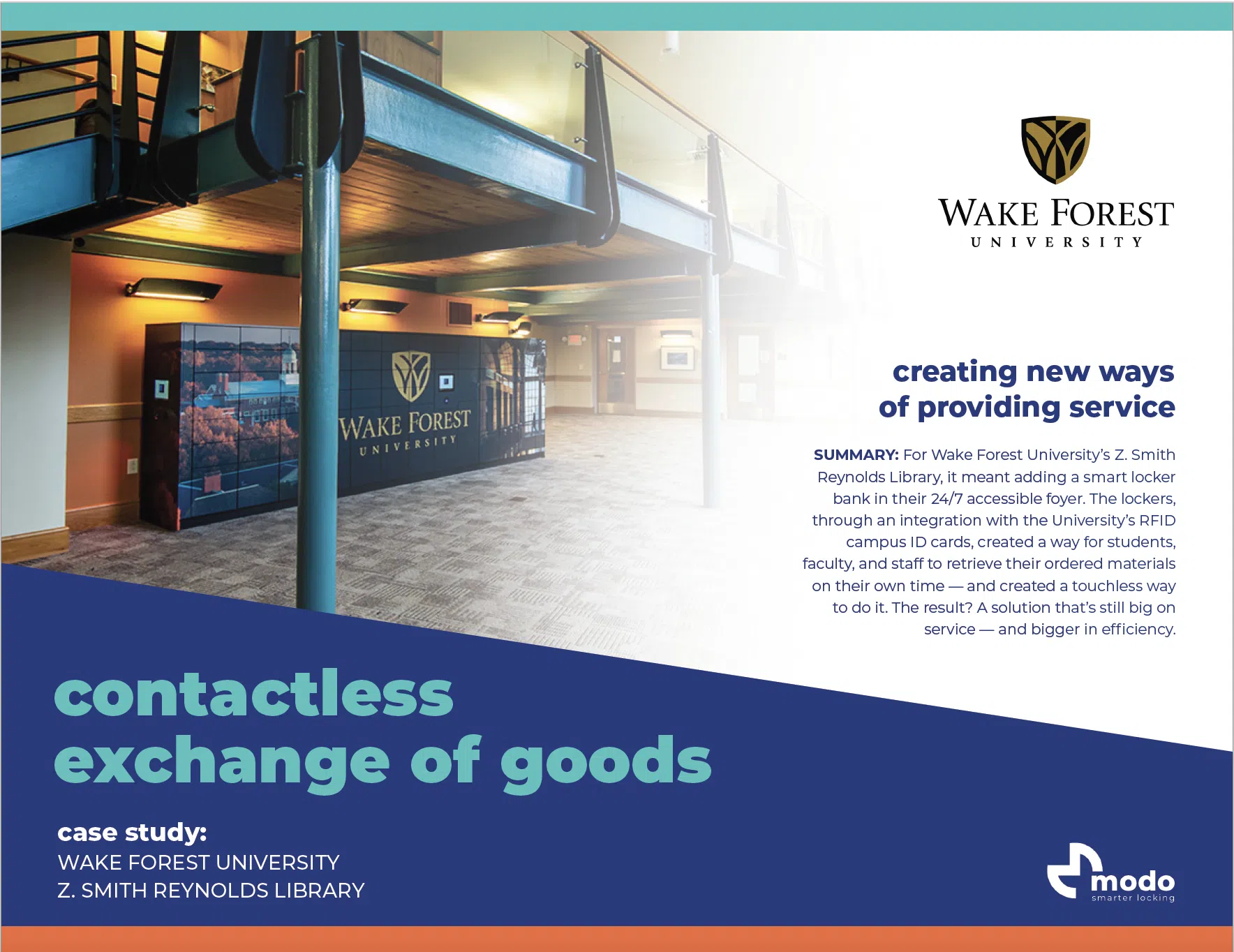
As students on university campuses conduct hundreds of interactions and transactions daily, they expect streamlined and intuitive experiences executed from their smartphones or watches. To meet these expectations, creating a connected campus through technology is no longer optional.
This shift requires mobile credentials for student ID cards to be added to Apple Wallet on iPhones or Apple Watches, providing convenience, cost-effectiveness, and necessary flexibility for universities to ensure the safety of their students and faculty. If students are using their credential for everything else across campus, lockers should also be part of that ecosystem.


The Metra with Genuine HID Technology™ includes Apple’s Enhanced Contactless Polling (ECP) application to support credentials in Apple Wallet.
mobile credential app integrations
No need for smart lockers to stand alone. Make smart lockers part of the mobile credential smart building ecosystem. As the first smart locker of its kind to open locker doors with mobile credentials, this is the perfect pairing.


and more..

advantages of mobile credentials for lockers:
security & convenience
smartphones in the wrong hands
Not only do mobile credentials add convenience to the end-users, but the security protection built into the mobile credential system makes them highly secure. Since most people have their entire lives on their smartphones, they will be extremely protective and cautious of them. The technology used to protect user’s private information is next-level secure plus the two-factor authentication adds an extra layer of verification.
Credential Type Comparison: Security & Compatibility for Lockers
| Credential Type | Frequency | Encrypted | Cloneable | Locker Compatible | Mobile-Ready |
|---|---|---|---|---|---|
| Magnetic Stripe | N/A | No | Yes — easily | Yes | No |
| Proximity Card (125 kHz RFID) | 125 kHz | No | Yes — cheap tools | Yes | No |
| Smart Card (13.56 MHz) | 13.56 MHz | Yes — AES-256 | No | Yes | No |
| Bluetooth Low Energy (BLE) | 2.4 GHz | Yes | No | Yes — BLE reader | Yes |
| NFC Mobile — Apple / Google Wallet | 13.56 MHz | Yes — Secure Element | No | Yes — ECP reader req. | Yes |
| Best practice for 2026: NFC mobile credentials stored in Apple Wallet or HID Mobile Access® with an ECP-compatible reader such as Metra with Genuine HID Technology™. | |||||
Frequently Asked Questions: Mobile Credentials for Lockers
Can lockers open with Apple Wallet?
Yes — but only with locker readers that support Apple’s Enhanced Contactless Polling (ECP) protocol. ECP is required for Apple Wallet credentials to communicate with a reader; without it, the locker reader cannot recognize that an iPhone or Apple Watch is attempting to open the lock. Metramodo’s Metra with Genuine HID Technology™ readers include ECP, making Metramodo the first and only smart locker system certified to support credentials stored natively in Apple Wallet (as of 2023).
Do mobile credentials for lockers work if my phone is dead?
Apple Wallet credentials include Power Reserve mode, which allows an iPhone to communicate with a compatible reader for up to five hours after the battery runs out. This means employees can still access their locker even if their phone has lost power, which is not possible with app-based mobile credentials that require an active screen.
Are mobile credentials more secure than RFID locker keys?
Yes. Standard proximity (125 kHz) locker cards are unencrypted and can be cloned for under $50 using widely available tools. Mobile credentials use AES-256 encryption, are stored in a hardware-isolated secure element, and require device authentication (Face ID, Touch ID, or PIN) before use. Additionally, a lost phone credential can be remotely revoked instantly — a lost locker card typically cannot be deactivated without manual intervention.
What happens if an employee loses their phone?
The credential is revoked remotely through the mobile credential management platform (e.g., HID Origo). When the employee logs into their account on a new device, the credential is automatically reinstated to the new phone. No physical card needs to be replaced and no locker needs to be re-keyed.
Can mobile credentials work across multiple buildings or campuses?
Yes. A single mobile credential can be provisioned to grant access to lockers across multiple buildings or campus locations. Employees no longer need separate cards or fobs for each location — one credential on their phone covers all assigned access points.
What mobile credential platforms are compatible with Metramodo lockers?
Metramodo smart lockers support HID Mobile Access® (via the HID Mobile Access app), Apple Wallet (via HID Origo with ECP), and partner integrations including Sharry and SwiftConnect.
Do you have a need for smarter locking?

Interested in learning more about the various ways to apply a smarter locking system to your locker applications? Contact us and we get in touch with you to learn more about your unique needs.